BLANK AI CHAT
- You design the prompting process
- You decide what information matters
- You decide what comes next
- You catch missing context yourself
- You rebuild the workflow for the next offer
EARLY-BIRD ACCESS
Get Conversion-First Funnels plus the complete AI Quick Launch workflow collection.
Ends September 15, 2026 · 11:59 PM Philippine time
 Agentic Revenue Vision
For online business owners who want a structured sales page
The AI Quick Launch - Conversion First AI Skill is meticulously structured from evidences of increased conversion rate based on thousands of sales page performance data and research. No more blank page, no more structureless sales pages, no more unoptimized copy, just launch.
See Bundle OptionsFREE RESOURCE
Explore ready-to-use website templates and sales funnel templates before choosing your bundle.
Open the Freebies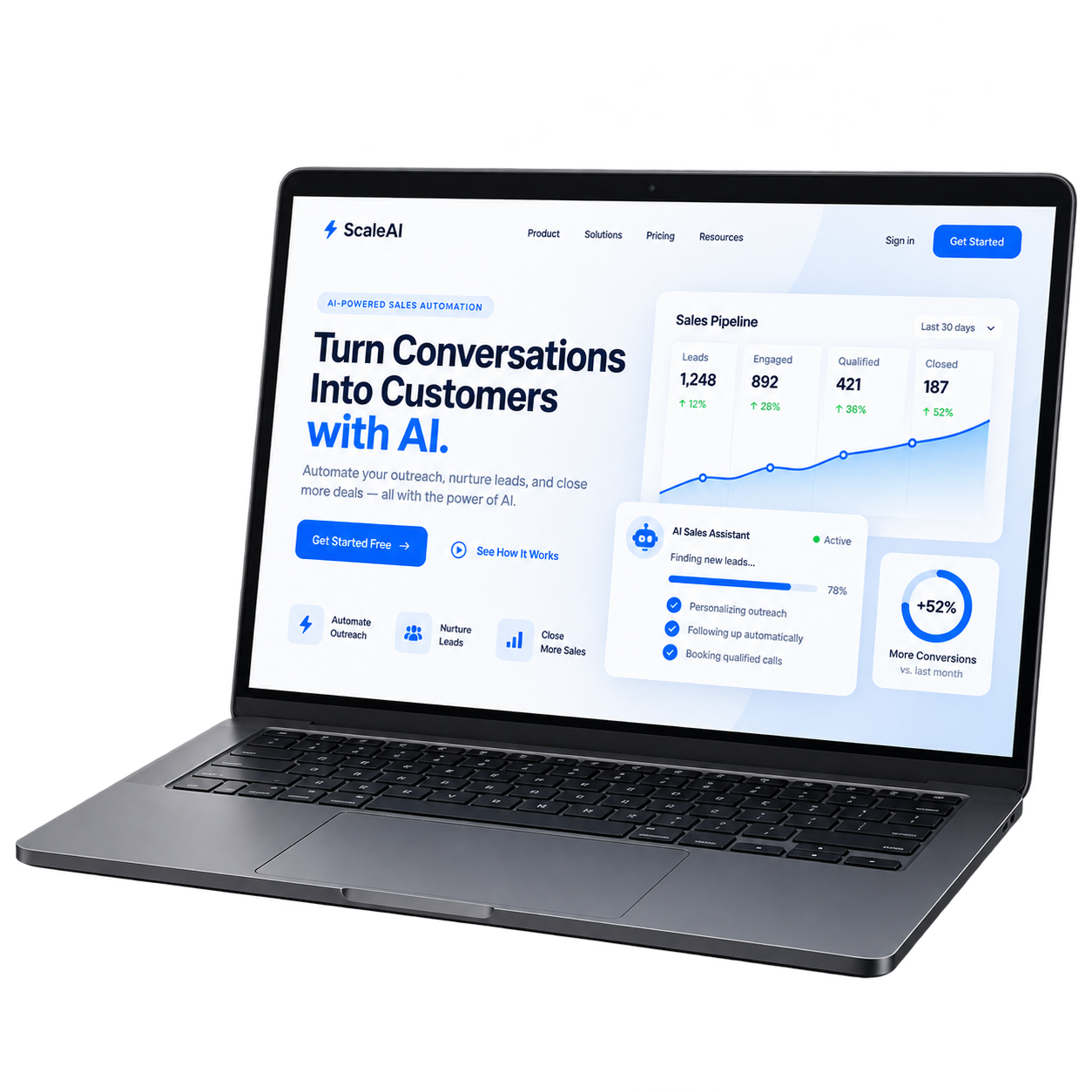
THE DIFFERENCE
A blank chat leaves you to design the process. Conversion-First Funnels gives the job a reusable workflow.
BLANK AI CHAT
CONVERSION-FIRST FUNNELS
HOW IT WORKS
Start with what you already know. No elaborate opening prompt needed.
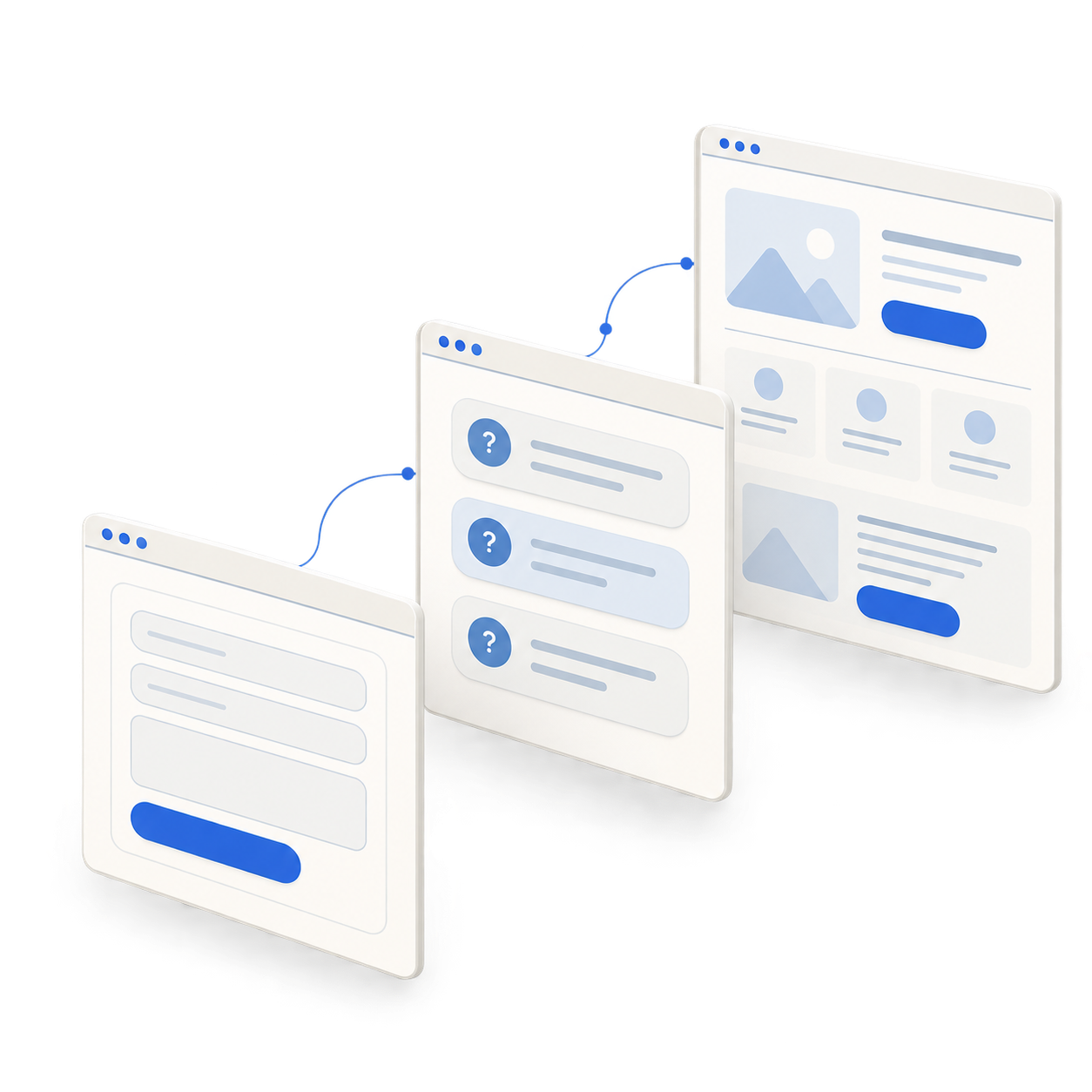
Product, audience, and business context.
FAST MODE
Have your context ready? Move straight into the workflow.
GUIDED MODE
Need help filling the gaps? Work through focused questions.
INSIDE AI QUICK LAUNCH
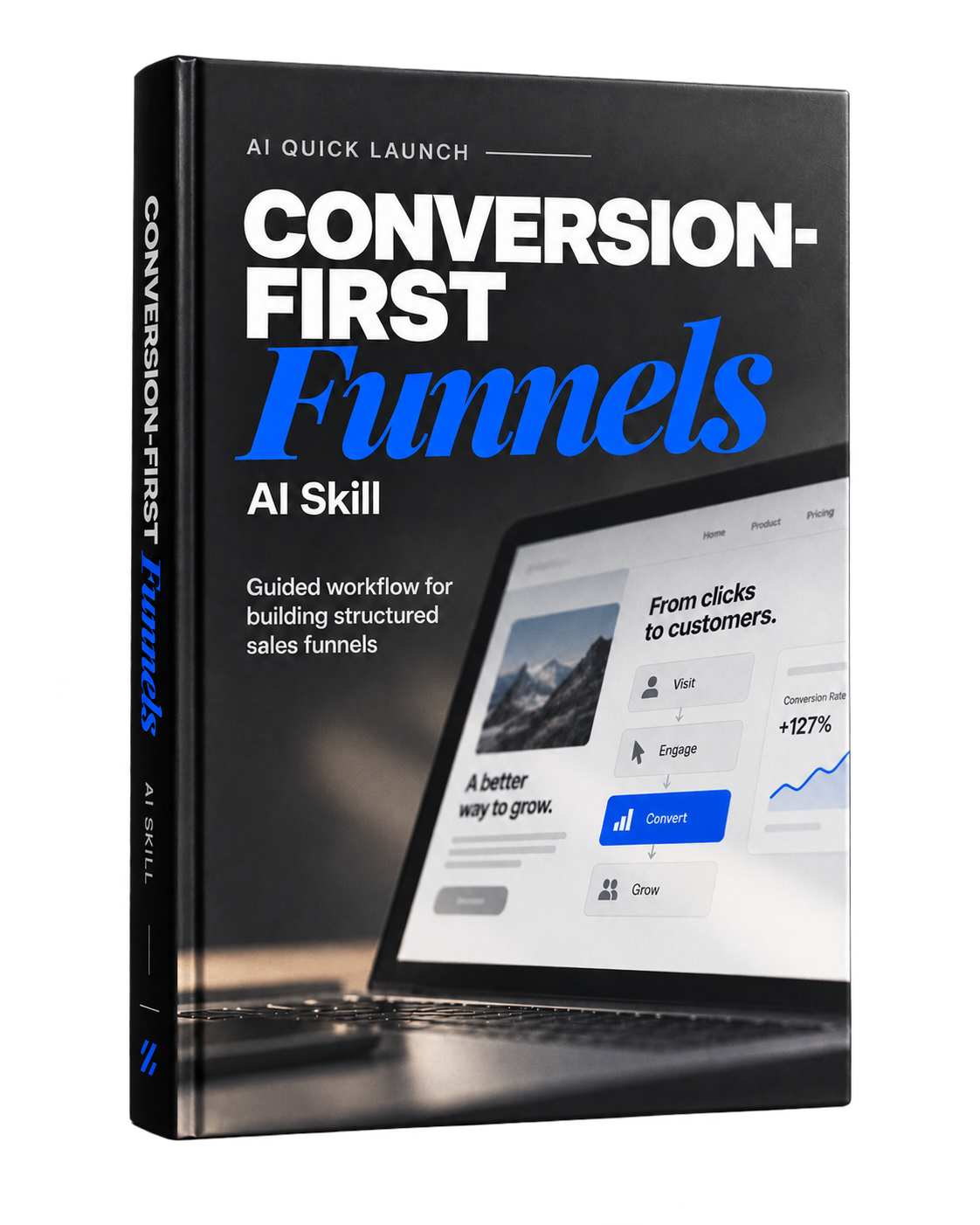
Conversion-First Funnels is the featured skill in the bundle, with 12 supporting workflows for the work before and after your launch.
One collection. Use the skill that fits your next task.
THE GUIDES INCLUDED WITH YOUR SKILLS
Swipe to preview the handbook and platform guides
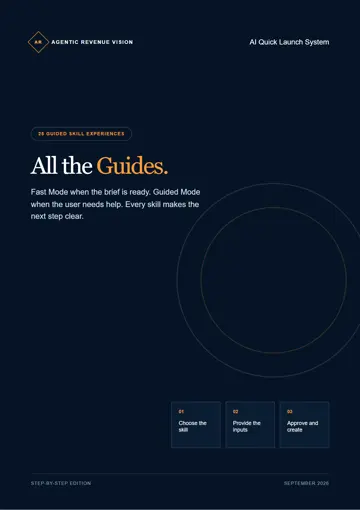
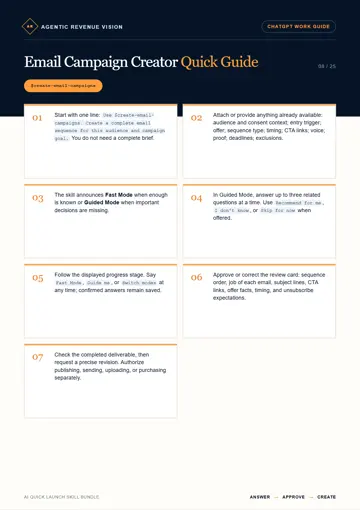
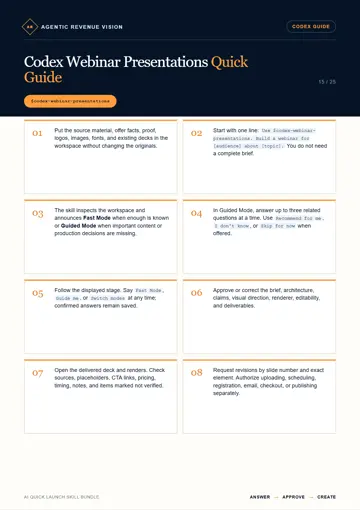
Fast Mode and Guided Mode come with every option. Platform access is separate.
Guided creation, directly in conversation.
13 skill packages
13 guide PDFs
Regular price: ₱899
₱899ONE-TIME
Guided creation with editable workspace files.
13 skill packages
13 guide PDFs
Regular price: ₱999
₱999ONE-TIME
The complete collection for both environments.
25 distinct skill packages
26 guide PDFs
Regular price: ₱1,499
₱1,499ONE-TIME
Save ₱299 compared with the two individual early-bird bundles.
Yes. Conversion-First Funnels is not based on the idea that ChatGPT is incapable of writing funnel copy. The value is in having a reusable workflow that guides the process instead of designing the questions, sequence, context, and next steps from scratch every time.
Use Fast Mode. The workflow can move forward without making you repeat unnecessary discovery work when enough context is already available. AI will ask questions if it needs more clarity about your offer.
Use Guided Mode. The skill can ask focused questions before proceeding rather than pretending missing context does not matter.
No. Conversion-First Funnels is the featured workflow. The rest of AI Quick Launch gives you additional skills for other jobs that can appear around the same business journey. Use the ones you actually need.
No. The target users include digital product sellers, course sellers, coaches, consultants, freelancers, online business owners, and other businesses that already have something to sell.
No. No legitimate funnel tool can control your traffic quality, offer, pricing, market demand, brand trust, checkout experience, or every other factor that affects conversion.
Conversion-First Funnels helps you work through the funnel-building process. The framework will guide the AI to apply strategies that already gained sufficient evidence of increasing conversion but your offer will also have an impact on sales performance.
Sales pages alone do not guarantee revenue, leads, sales, reach, or conversion performance.
No. Required platform access and third-party services are separate unless the checkout explicitly states otherwise.
No. Choose the individual bundle for the environment you plan to use. Choose the combined bundle if you specifically want access to both versions.
Start with Conversion-First Funnels. Keep the workflow for your next launch.
See Bundle Options